
Create Employee Announcements in Zoho People
Here is our approach for creating employee announcements in Zoho People in a simple way.
Even a non-technical person can easily set it up in just a few steps.

Approach
We can create and publish employee announcements in Zoho People using the following steps.
1. Creating an Announcement
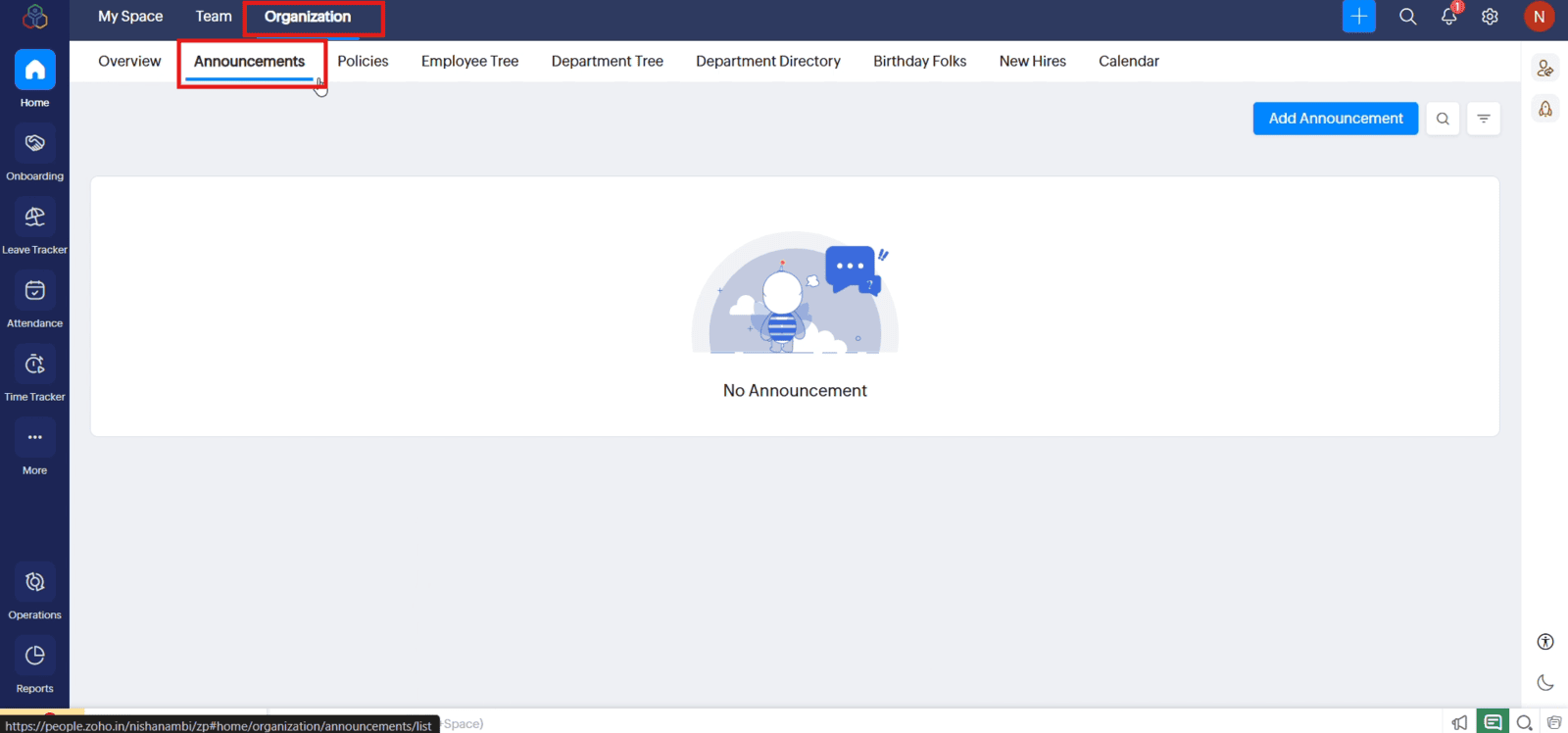
1.1 From the Home screen, open "Organization" and select the "Announcements" tab
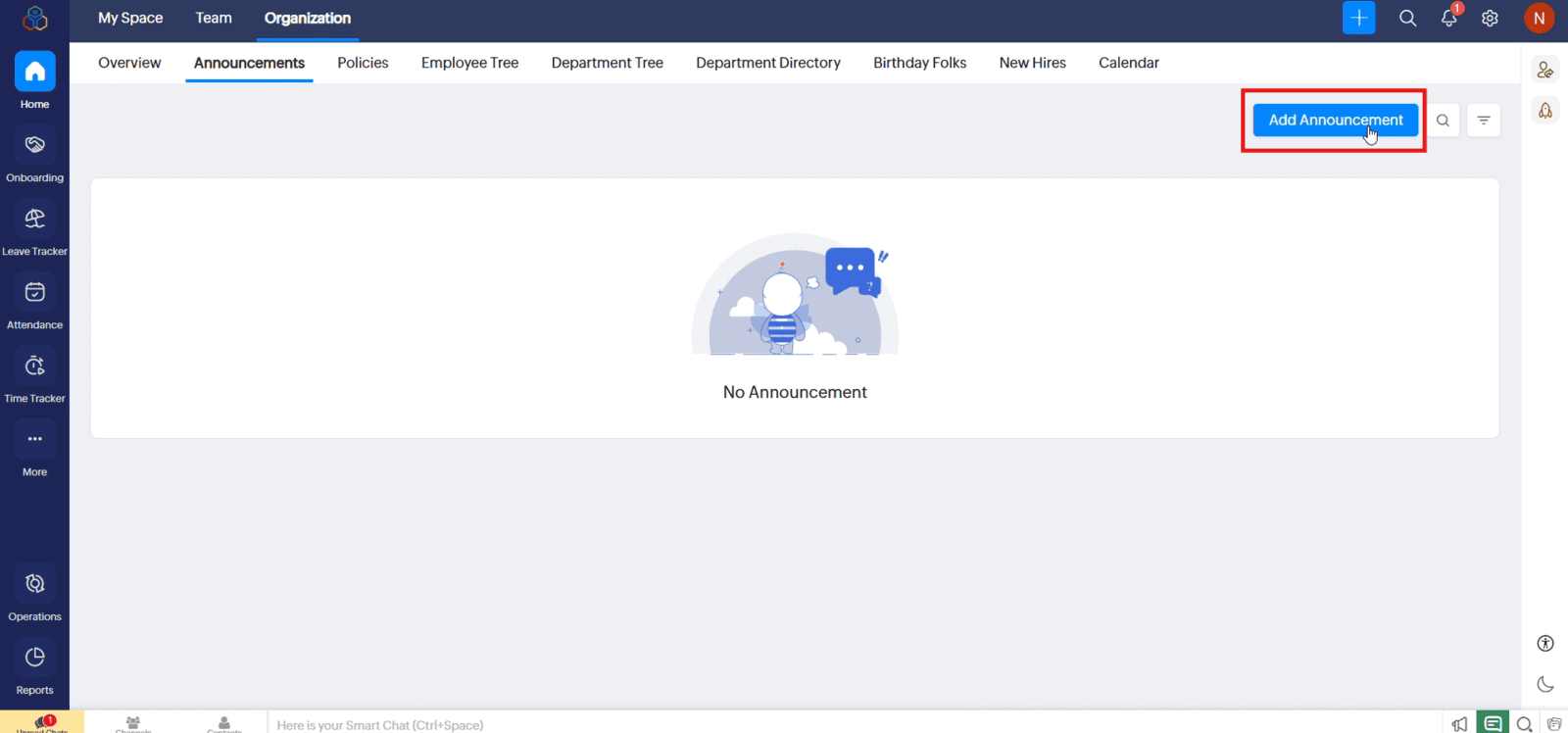
1.2 Click "Add Announcement" to open the announcement form
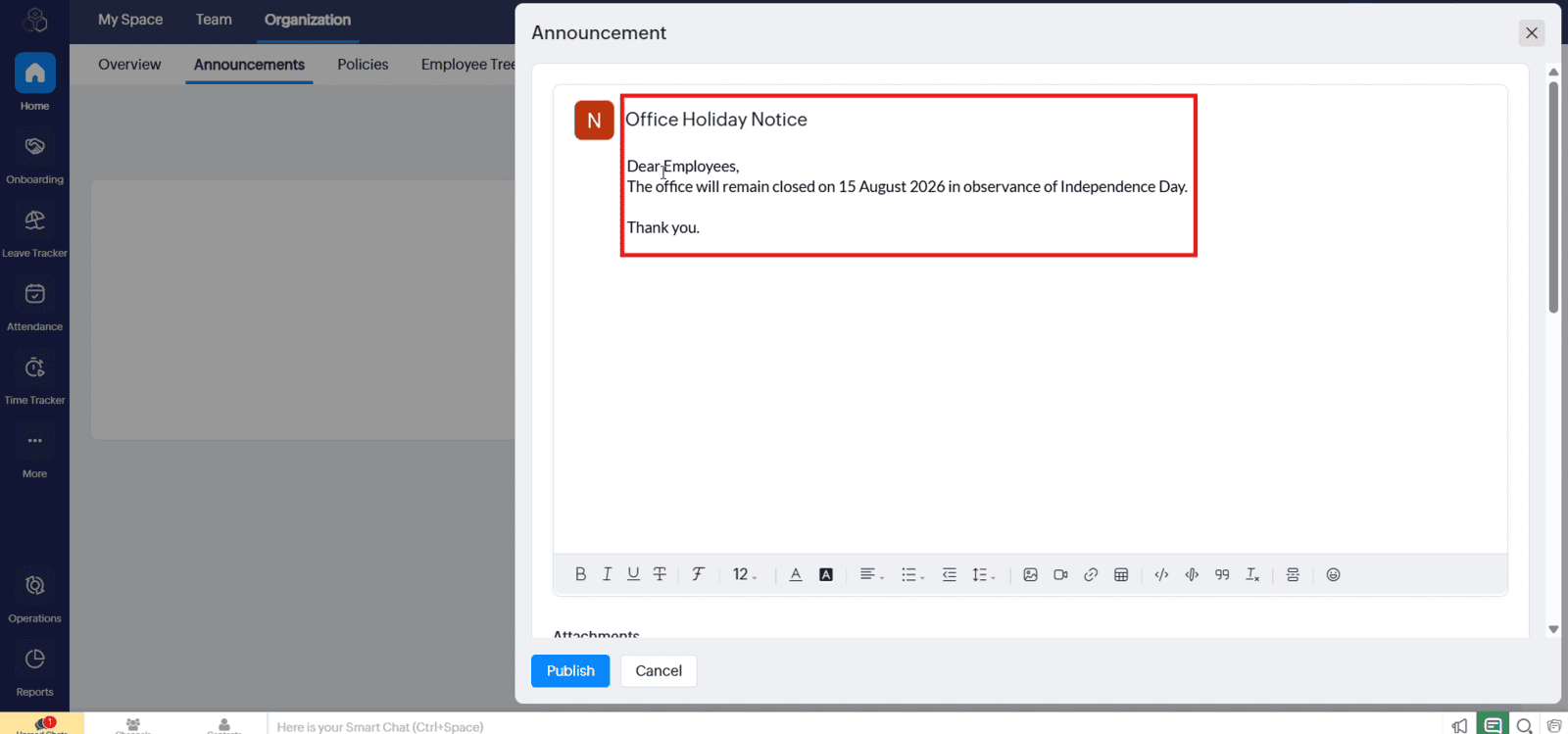
1.3 Enter a clear title and type the announcement message in the text box
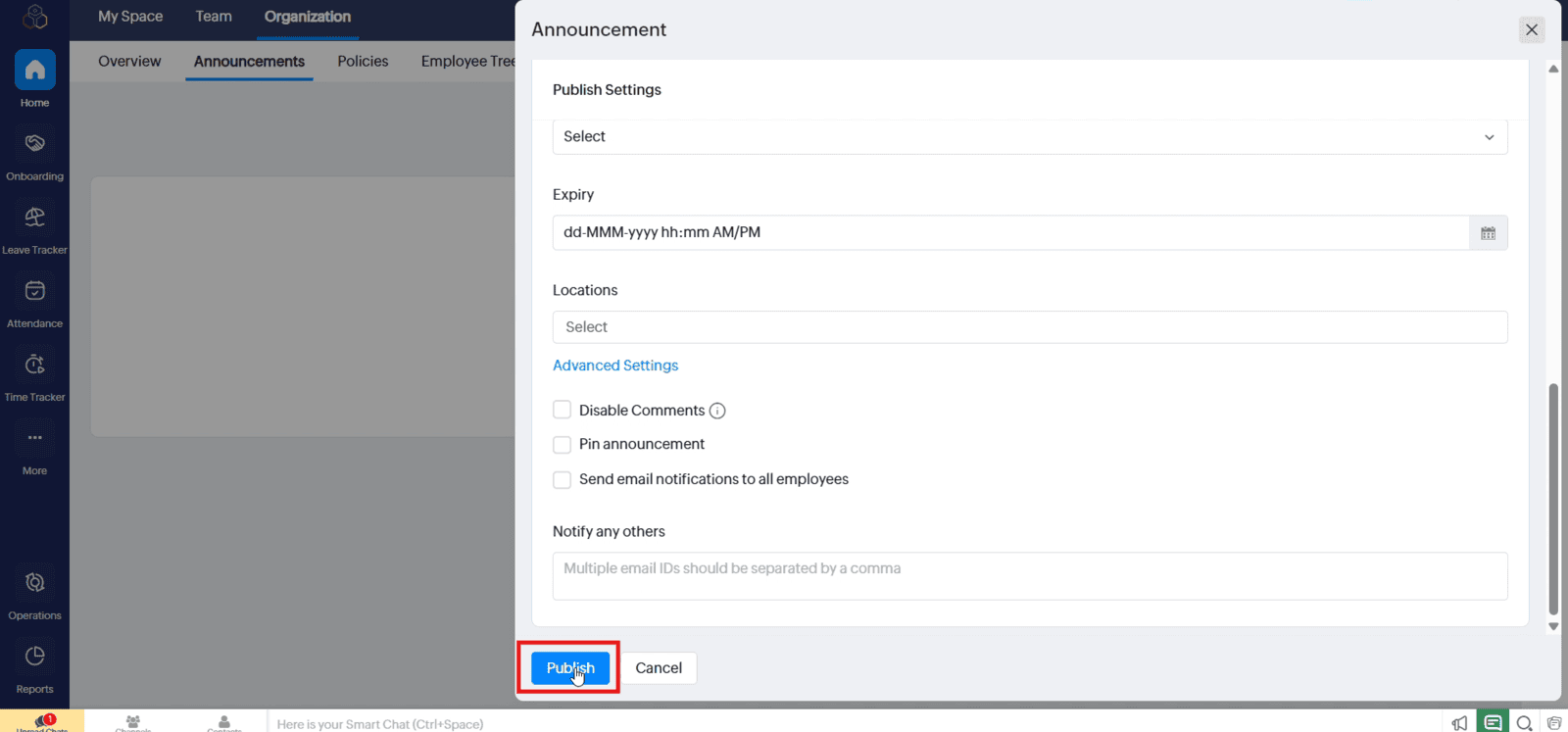
1.4 Configure additional options, if requires
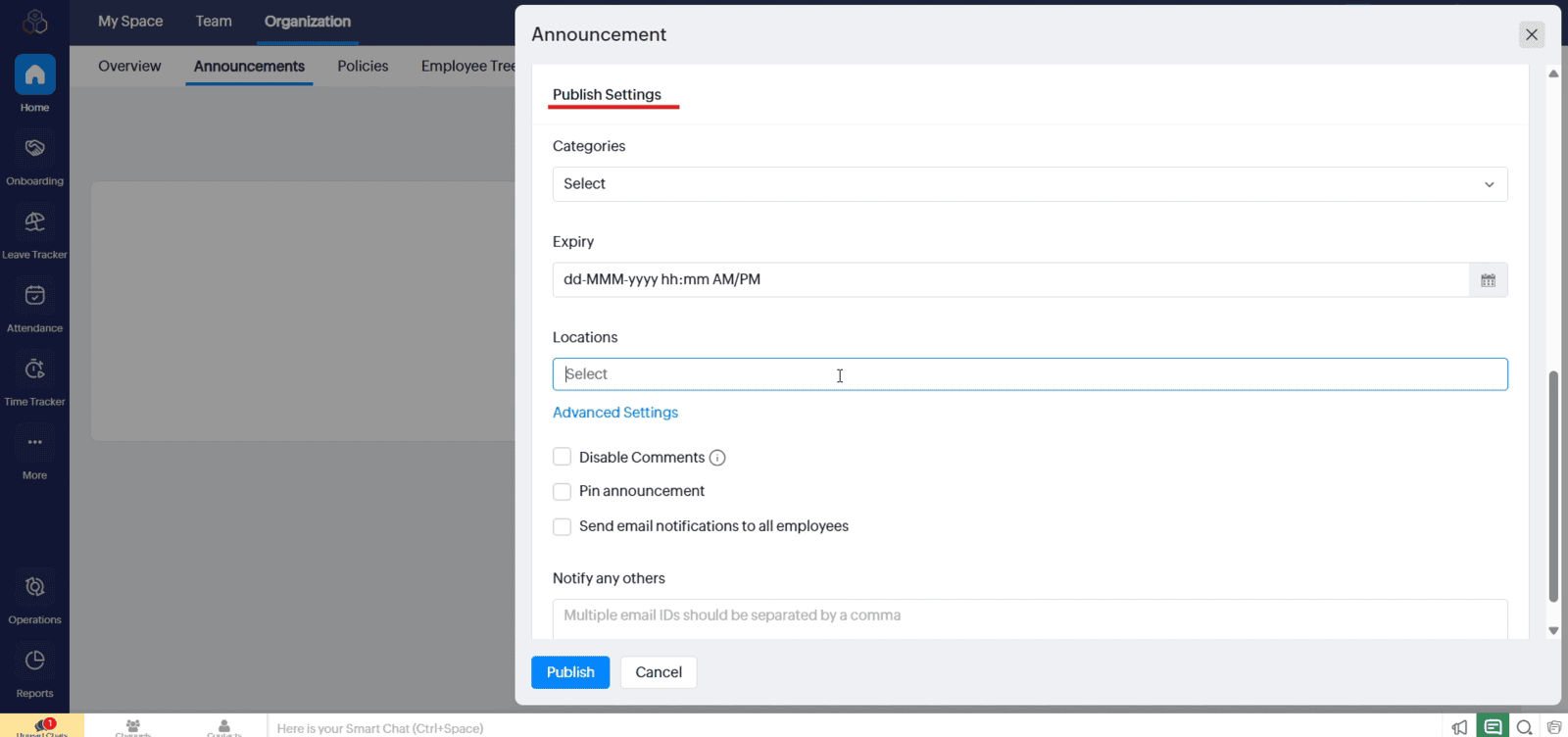
1.5 Click "Publish" to make the announcement live.
Video: Create Employee Announcements in Zoho People
Here is the video explanation of the above steps.


